Define the draft
Write down the intended subject, framing, mood, and non-negotiable details. Keep your original Photoshop file untouched while you explore.
Editing workflow
Keep Photoshop as your finishing workspace and use Image Editor as a separate place to explore visual ideas. The useful question is not whether one replaces the other, but what you can carry between them.
This page is an image-editing guide, not an editor. The link opens Supavisual’s home page without carrying a prompt or image. Sign in there to upload; an eligible paid subscription is required for AI tools. Any paired images here are illustrations of concepts, not verified processing results from this site or Supavisual.

A Photoshop project may contain far more than its visible image. Treat a separate editor as a source of possible visual material, not as a replacement for the working document.
Do not assume Image Editor can open, preserve, or export a layered PSD with masks, adjustment layers, smart objects, and editable type intact.
WorkaroundKeep the original PSD in Photoshop. Check the available output before bringing any separate image into that document.
This route does not establish an extension, a live connection, or a command that sends edits directly into Photoshop.
WorkaroundUse a manual handoff: save an available result, inspect it, and place it into your existing project if its format is suitable.
A visual draft may differ from the original in framing, lettering, small objects, or brand details. It should not be treated as a precise revision without inspection.
WorkaroundCompare against the source at full size and make critical corrections in your established editing workflow.
A promising screen preview does not establish print readiness, sufficient resolution, accurate color, or permission to use depicted material.
WorkaroundVerify dimensions, color requirements, rights, and final appearance against the destination's specifications.
The sensible place for a separate image editor is before detailed Photoshop work, when you are still deciding what the image should become.
Write down the intended subject, framing, mood, and non-negotiable details. Keep your original Photoshop file untouched while you explore.
Use Image Editor to investigate a concept or potential visual starting point. Review what the destination actually supports rather than assuming Photoshop controls or file compatibility.
If a suitable result is available, check its format, dimensions, edges, text, and fine detail before importing it into Photoshop. Preserve the source and the draft as separate files.
Place an acceptable image into your working document, then handle precise masking, typography, color, and delivery requirements with the tools already in your pipeline.
Before the handoff, you have a direction to test; afterward, you may have a candidate image to evaluate. These related guides help you choose the next step without assuming a direct integration.
Compare browser-based exploration with the checks involved in a desktop editing workflow.
See where a general editor and Photoshop serve different editing needs.
Follow a practical sequence for refining a photo inside Photoshop.
Specify what must survive the handoff before you start. A candidate image and an editable Photoshop project are different deliverables.
Separate visual draft
Explore or review a visual direction
Photoshop working document
Build and finish the production edit
Separate visual draft
Do not assume editable layers transfer
Photoshop working document
Maintain editable layers and masks in the PSD
Separate visual draft
Inspect visible lettering for errors
Photoshop working document
Set and revise text with type tools
Separate visual draft
Check the actual result before placement
Photoshop working document
Size the document for its final use
Separate visual draft
Treat appearance as a visual reference
Photoshop working document
Check color against delivery requirements
Separate visual draft
Keep the candidate separate from the source
Photoshop working document
Save an editable project and final export separately
Separate visual draft
Useful subject, composition, and clean details
Photoshop working document
Correct edits, specifications, and approved output
The handoff is most useful when it answers a specific question before time-consuming production edits begin.
You want to compare compositions before committing to a detailed retouch.
Carry only the strongest candidate into your desktop workflow and retain the untouched original.
image editor for pcYour team needs to decide whether a quick visual draft is enough or a fully controlled Photoshop edit is required.
Choose the tool by the deliverable: a direction to discuss or an editable production file.
image editor vs photoshopYou have selected a direction and now need careful, repeatable adjustments to the source photo.
Use the draft as a reference while carrying out precise edits in Photoshop.
how to edit photo in photoshop step by step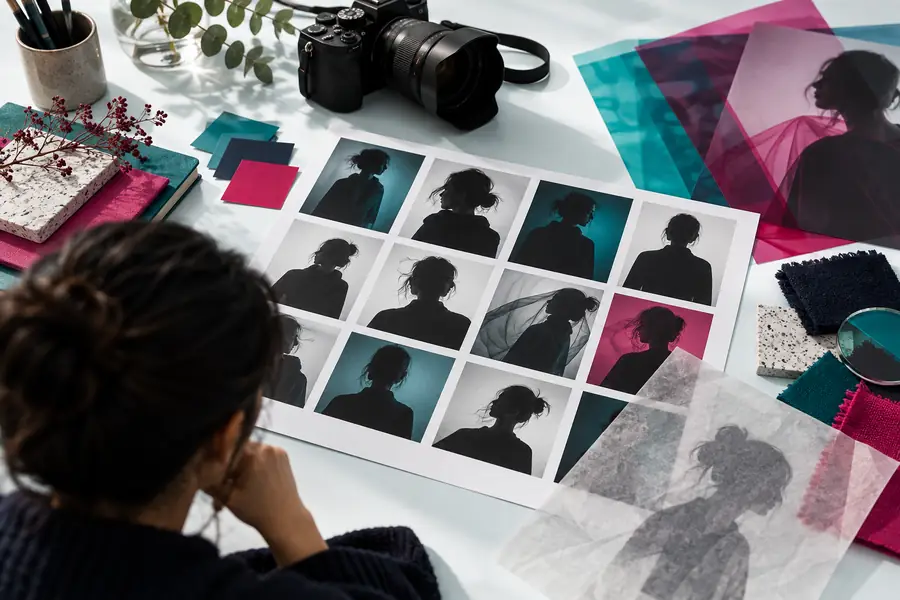
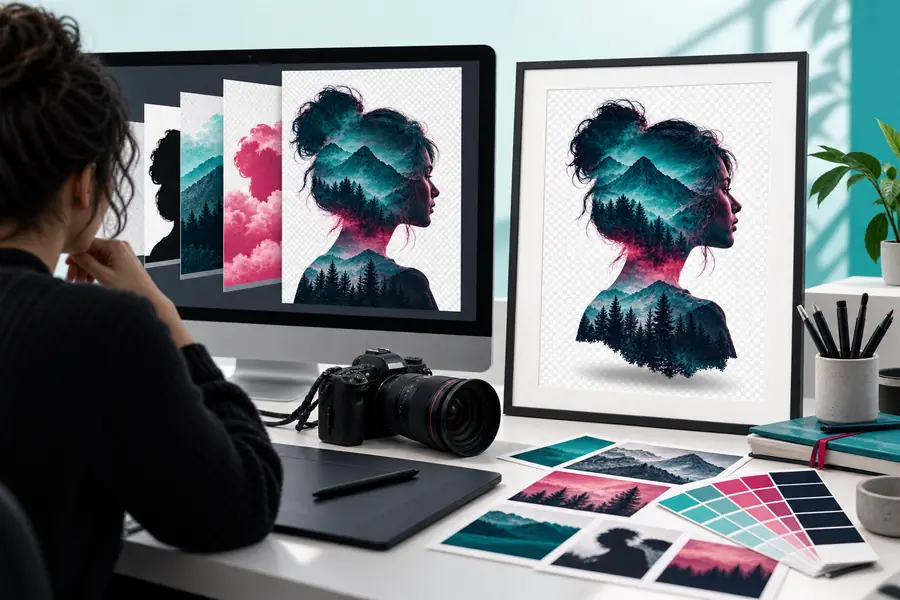
These are illustrative visuals, not verified before-and-after states of the same file or proof of a Photoshop integration. In your own project, compare a candidate with its actual source before deciding whether to place it in a PSD.
Use Image Editor to investigate a visual direction, then judge any available result against the requirements of your Photoshop project. Check compatibility and image quality before treating it as production material.
Do not assume Image Editor is a Photoshop plug-in or connected panel. Treat it as a separate workspace and check what output is available before planning a manual handoff.
An image result is not the same thing as a layered Photoshop document. Keep the original PSD and its editable elements in Photoshop, and verify the format of any result you want to place into it.
Inspect the actual file format and dimensions, then review edges, text, small details, and visible artifacts. Compare the draft with your source and the final project's requirements rather than relying on a small preview.
It can be useful when you want to explore a direction before making precise edits. Photoshop remains the appropriate place to manage the working PSD, controlled revisions, and final delivery checks.